


In short: sign up for the 14-day trial (no credit card), install the Chrome extension, then build your first list with Find prospects or from a LinkedIn search. Write a sequence of one invitation and two or three messages spaced a few days apart, set a daily cap of 15 to 20 invitations, pick your sending hours and start the campaign. Look at the acceptance and reply rates after about a week, once the first invitations have had time to be answered.
What do you need before you start?
- A LinkedIn account you use regularly, with a photo and a headline that says what you do. Prospects decide whether to accept from what they see on your profile.
- Google Chrome on a computer. Sales Farmer works through a Chrome extension: actions run in your own browser, so the computer and Chrome must be on during your sending hours.
- One clear target. "Founders of web agencies in Lyon" works better than "SMEs". If you are not sure yet, our guide to defining your ICP takes about 20 minutes.
Step 1: create your account
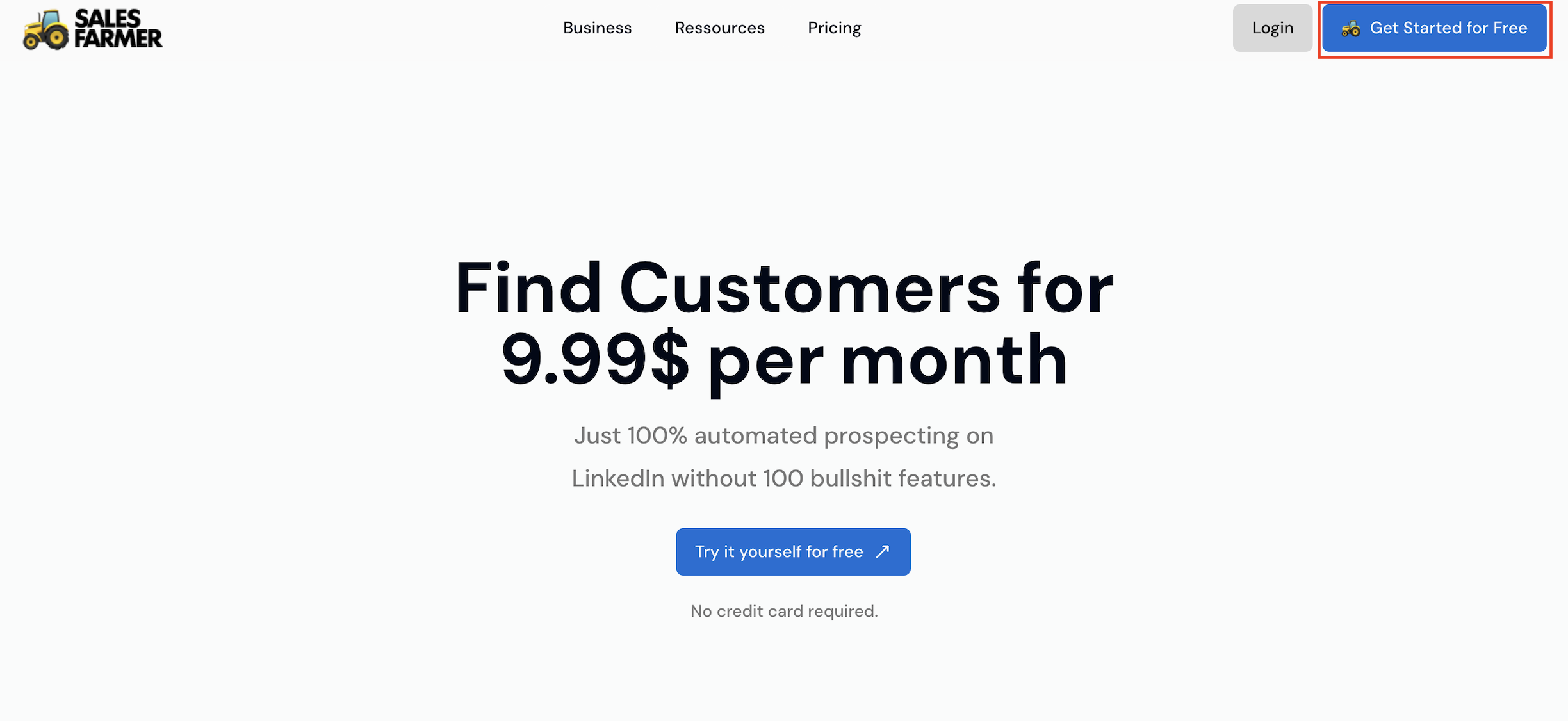
Go to sales-farmer.com and start the free 14-day trial. Only an email address is needed, no credit card.
The onboarding then asks for your sector and your role (sales rep, real estate agent, entrepreneur, recruiter, marketer). It uses them to show you an example of what a prospect list looks like, before you have connected anything.
Step 2: install the Chrome extension
The onboarding gives you a download link for the extension. Install it, pin it to your toolbar, then come back to the Sales Farmer tab and accept the terms. The extension is what reads LinkedIn search results and carries out the actions of your campaigns from your session. It updates itself: Chrome installs new versions without a reinstall, while it is open.
Before you automate anything, read what LinkedIn says about automation tools: its rules prohibit browser extensions that automate activity on the site, and accounts that use them can be restricted. No tool removes that risk. A slow, well-targeted pace reduces it, which is why steps 5 and 6 matter.
Step 3: build your prospect list
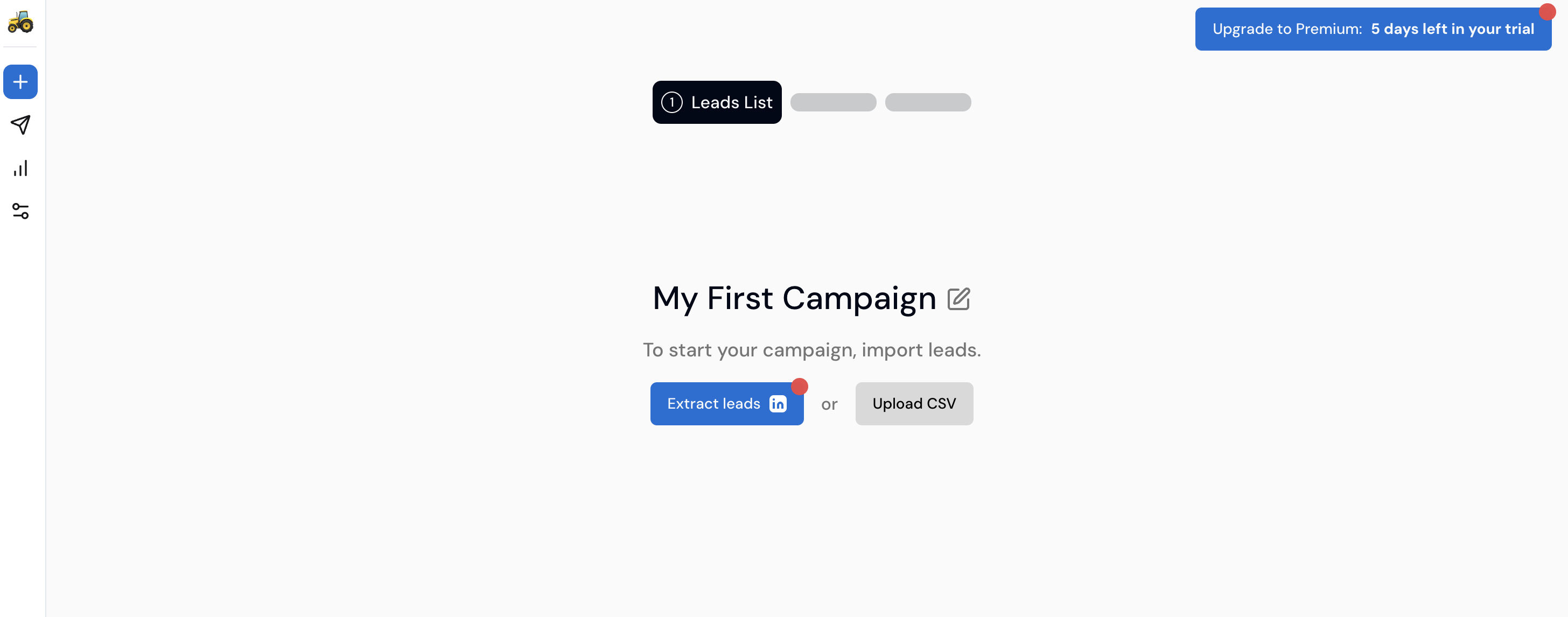
You have four ways to fill a campaign:
| Method | When to use it | What you get |
|---|---|---|
| Find prospects | You have no list yet | Describe your activity in a sentence or two; Sales Farmer runs a LinkedIn search and shows matching profiles to review |
| LinkedIn search from the app | You know your filters | Job title, location, current company, industry, skills, "follower of" or "connection of" |
| Extraction from LinkedIn or Sales Navigator | You already have a search open | The extension adds the profiles of the results page to a campaign |
| CSV import or manual add | You have an existing file | Your own list, with the LinkedIn profile URL of each person |
Two habits save a lot of wasted invitations:
- Read the first 20 profiles before launching. If more than three or four are off target, fix the filters rather than the message.
- Tick "Active on LinkedIn in the last 30 days" in the search. Each profile is checked one by one, a second or two apart, and people who have not been active are hidden. An invitation sent to a dormant account stays pending, and many pending invitations is one of the reasons LinkedIn gives for restricting invitations.
Step 4: write a short sequence
A campaign is a series of steps: an invitation, a delay, a message, another delay, a follow-up. Sales Farmer checks whether the invitation was accepted before sending the first message, and stops the follow-ups as soon as the person replies.
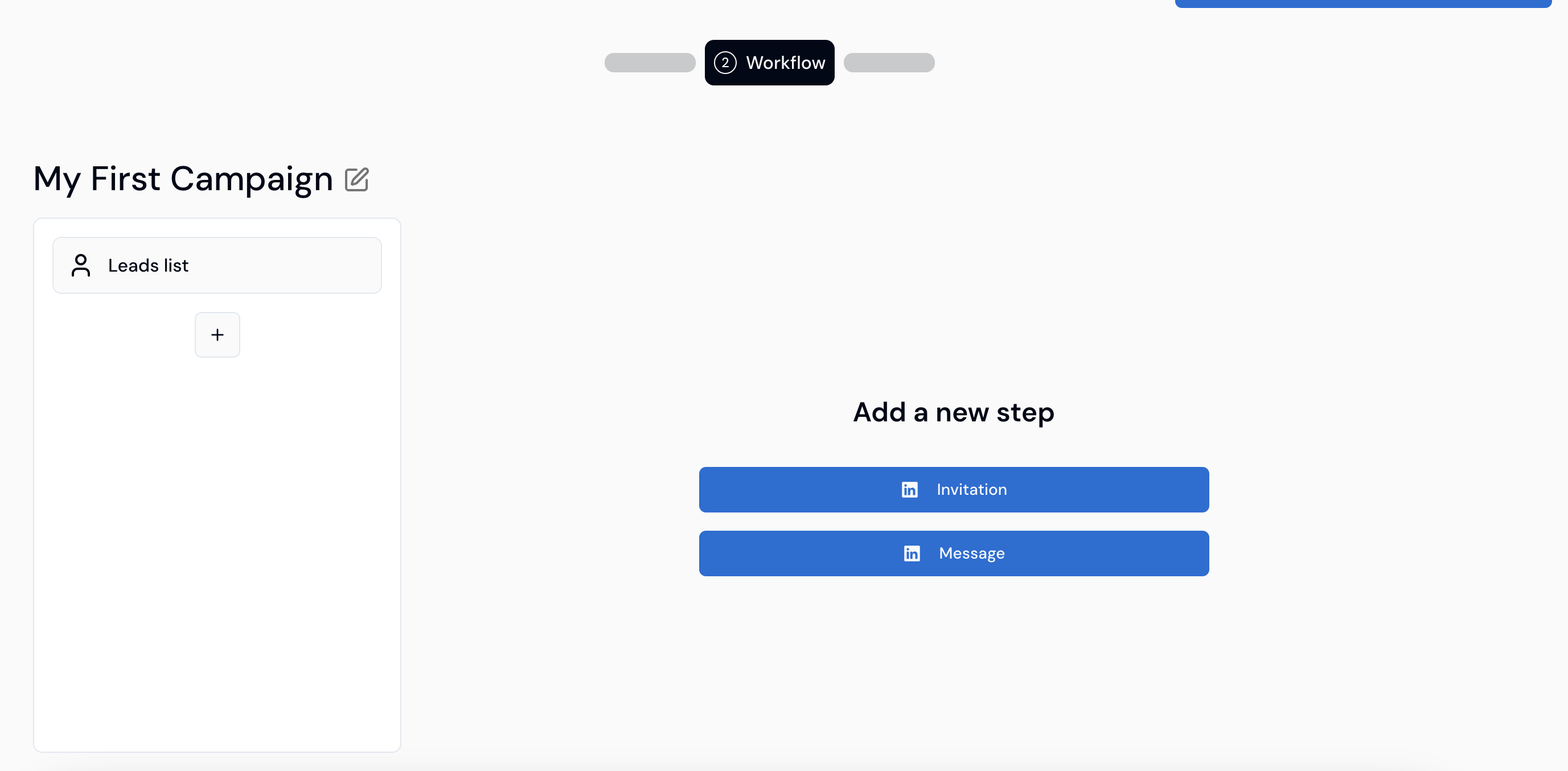
Here is a sequence that works as a starting point:
| Step | Delay | Content |
|---|---|---|
| Invitation | Day 0 | No note, or one sentence on why you are writing to this person |
| First message | 1 day after acceptance | Two or three lines about their situation and one easy question |
| Follow-up 1 | 4 to 5 days later | Something new: a resource, an example, a figure |
| Follow-up 2 | About a week later | A short closing message that leaves the door open |
Personalize with the variables {{firstname}} (first name), {{lastname}} (last name), {{company}} (company) and {{title}} (profile headline). A variable is not personalization on its own: "Hi [First name], I saw you run [Company]" reads like a template to everyone who receives it. Use variables for the greeting and write the rest for the segment.
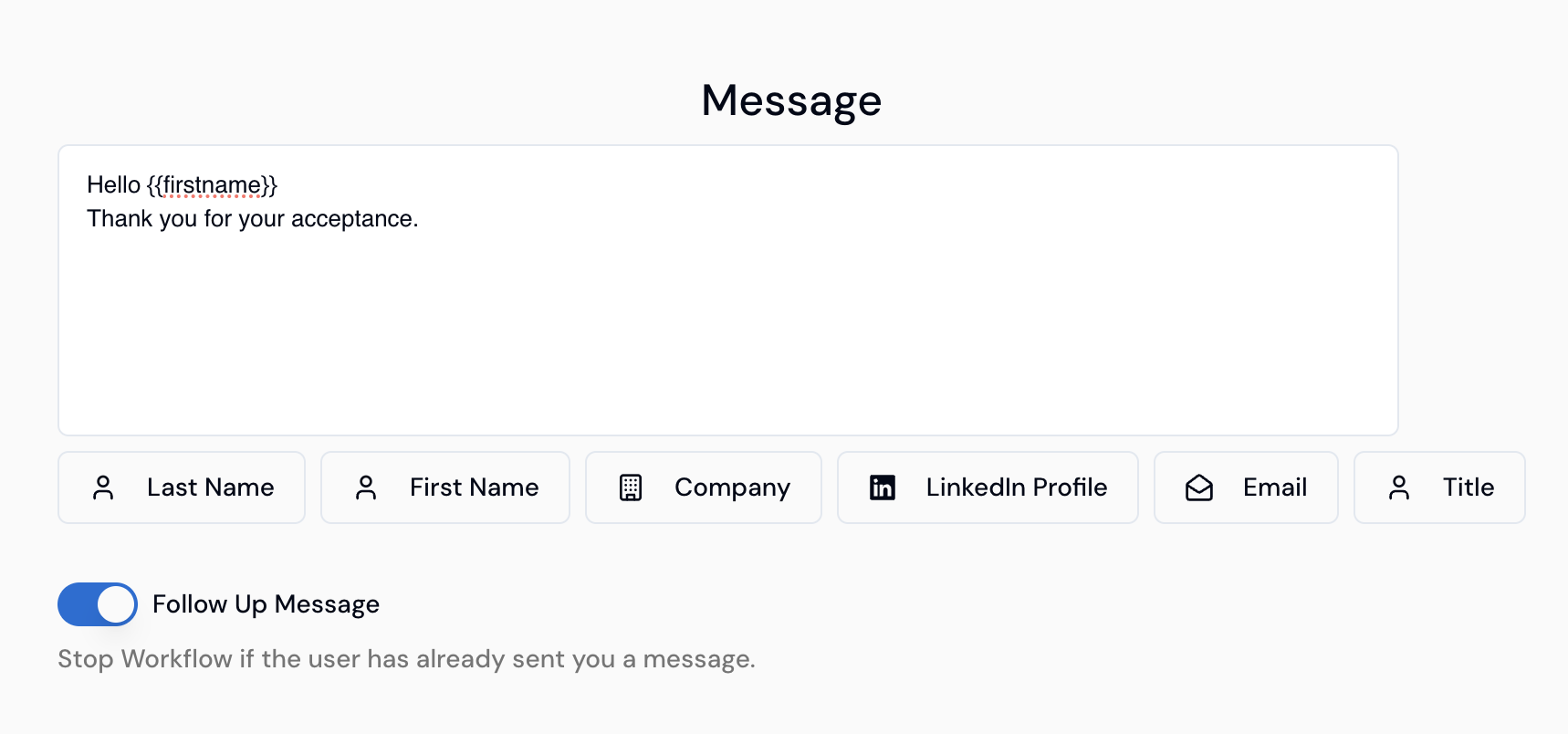
Mind the invitation note. LinkedIn's help pages limit free accounts to a handful of personalized invitations a month, three or five depending on the page, at 200 characters each, while Premium members can add a note of up to 300 characters to every invitation. On a free account, plan most invitations without a note and put the effort into the first message.
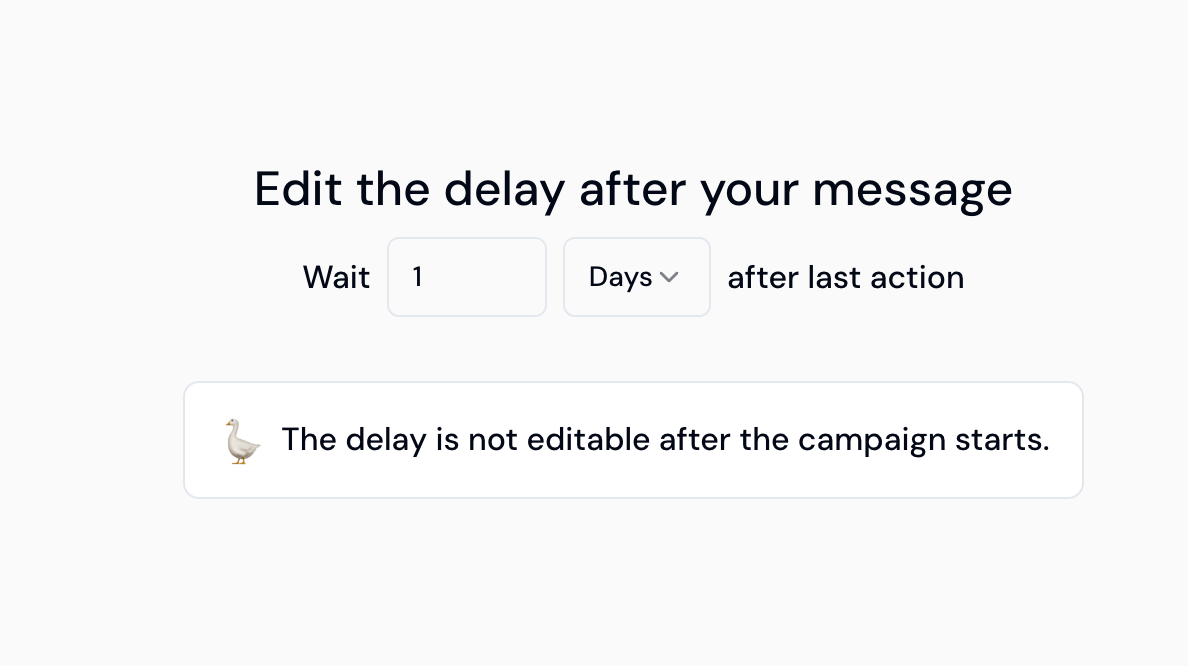
Set each delay before starting: it can no longer be changed once the campaign runs. Our follow-up message templates give examples for each step.
Step 5: set your pace
In the settings, three controls decide how fast your campaigns move:
- Daily caps on invitations and on messages.
- Time slots for each day of the week, so nothing is sent at 3 a.m. or on Sunday if you do not want it.
- The delay between two tasks, in minutes, so actions do not fire back to back.
LinkedIn does not publish a fixed invitation limit. For a new or quiet account, start around 5 invitations per working day and climb to about 20 over four weeks, which keeps you near 100 a week. The LinkedIn automation limits guide gives the week-by-week plan and the warning signs to watch.
Step 6: launch, then read the results
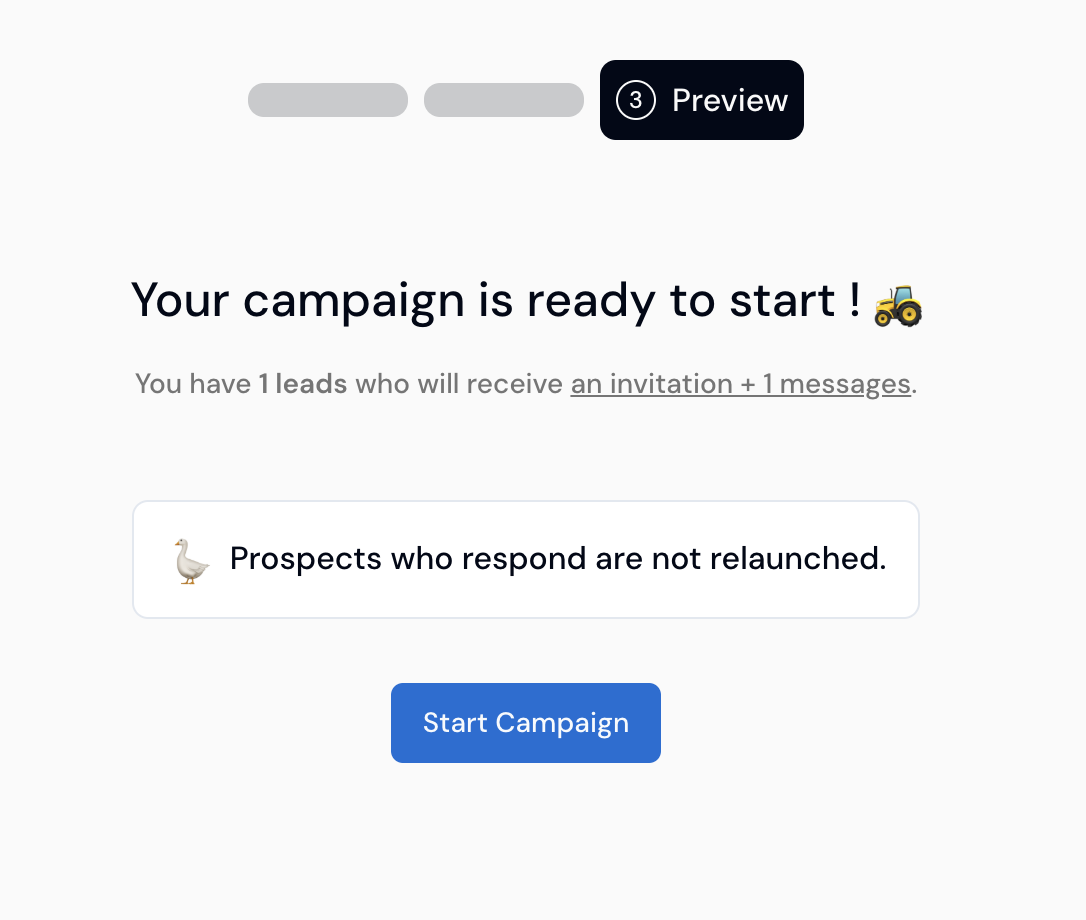
The preview screen sums up the campaign: how many prospects, how many invitations and messages each will receive. Click "Start Campaign".
The analytics show, per campaign, the invitations sent, accepted invitations, messages sent and replies received. Wait about a week before judging, since invitations sent yesterday have not had time to be accepted. To compare two messages, duplicate the campaign, change only the message and split the list between the two versions.
What the numbers tell you:
| What you see | Likely cause | What to change |
|---|---|---|
| Acceptance under 20% | Target too broad, or a profile that does not inspire trust | Narrow the list, rework your headline and photo |
| Good acceptance, few replies | First message too long or too much about you | Shorten it, end with one easy question |
| Replies, but no meetings | Offer unclear or asked too early | Give something useful before asking for a call |
For reference, Expandi measured an average acceptance rate of 28.5% and a message reply rate of 10.4% across more than 13 million connection requests sent between May 2025 and April 2026 (Expandi, 2026). Our article on acceptance and reply rate benchmarks explains how to compare yourself fairly.
FAQ
Do I need LinkedIn Premium or Sales Navigator to use Sales Farmer?
No. Sales Farmer works with a free LinkedIn account. Premium adds personalized notes on every invitation and InMail credits; Sales Navigator adds search filters, and the extension can extract prospects from its result pages.
Does my computer need to stay on?
Yes, during your sending hours. Actions run through the Chrome extension in your browser, so they only happen when Chrome is open. Set your time slots to match the hours your computer is usually on.
How many prospects should my first campaign have?
Between 50 and 150 is enough. At 15 to 20 invitations a day, that is one to two weeks of sending, and enough replies to tell whether the message works before you scale it.
Can I add prospects to a campaign that is already running?
Yes. You can add leads manually or by CSV, pause and resume a campaign, duplicate it with or without its list, and export it as CSV.
What happens when a prospect replies?
Sales Farmer detects the reply and stops the follow-ups for that person. You continue the conversation yourself, in LinkedIn.
Further reading
- How to define your ICP and build a LinkedIn prospect list
- LinkedIn prospecting message templates
- LinkedIn automation limits in 2026
Start your first campaign
Try Sales Farmer free for 14 days: describe your activity in Find prospects, review the list, write three short messages and let the campaign run at a pace your account can sustain.