

You set the pace. The tool sticks to it.
The extension works in your browser, with your own LinkedIn session, as if you were the one clicking. No server logs in on your behalf, and you never give us your LinkedIn password.


 250+ users
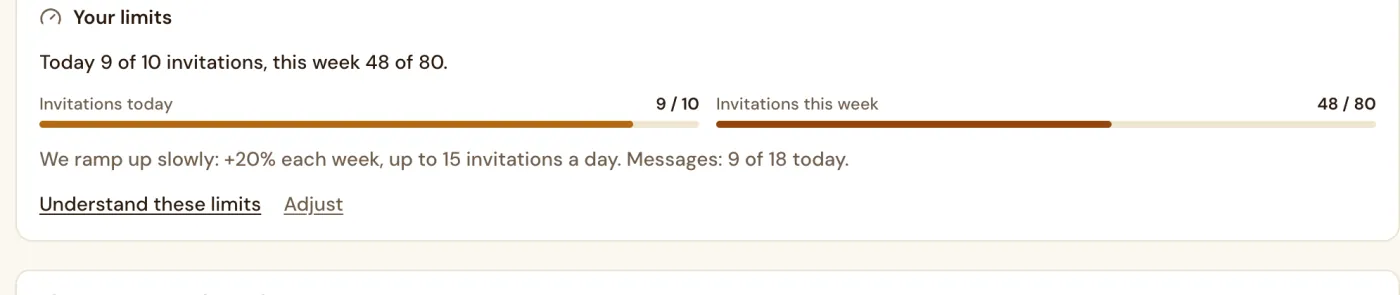
How do you set the sending pace on LinkedIn?
Sales Farmer sets caps, time slots and a delay between two tasks. From day one: up to 25 invitations a day, 125 a week. An account under 3 months old ramps up over four weeks. A circuit breaker stops sending when LinkedIn refuses. These rules lower the risk without removing it.
Updated
Invites per day
From 0 to 120. We recommend 40, and fewer for a new account.
Messages per day
From 0 to 120. We recommend 50.
Time slots
One slot for each day of the week. The default is 8 am to 6 pm.
Delay between tasks
From 1 to 10 minutes. We recommend 2 minutes.

From $15 a month, 14 days free.
Ask your question, John answers
Is my LinkedIn password ever requested?
No. Your LinkedIn password is never requested.
Who sets the sending limits?
You do. Ceilings, hours and delays are set in the app, and sending ramps up over four weeks only for an account under 3 months old.
Does anything go out without my approval?
You approve each person before anything is sent. Nothing goes out before you click Launch.